
Launching an affiliate program is one of the most effective ways to scale your e-commerce sales and revenue. You want affiliates or creators promoting your brand, sharing links, and driving traffic.
In an effort to onboard affiliates, however, many merchants leave their affiliate program registration open for one-click signups to attract affiliates. However, this can also invite spam bots, coupon sites, and untrustworthy individuals into the program.
Without proper safeguards, your program can quickly be flooded with fake accounts, coupon-scraping extensions, and predatory affiliates who may distort your analytics and eat into your profit margins.
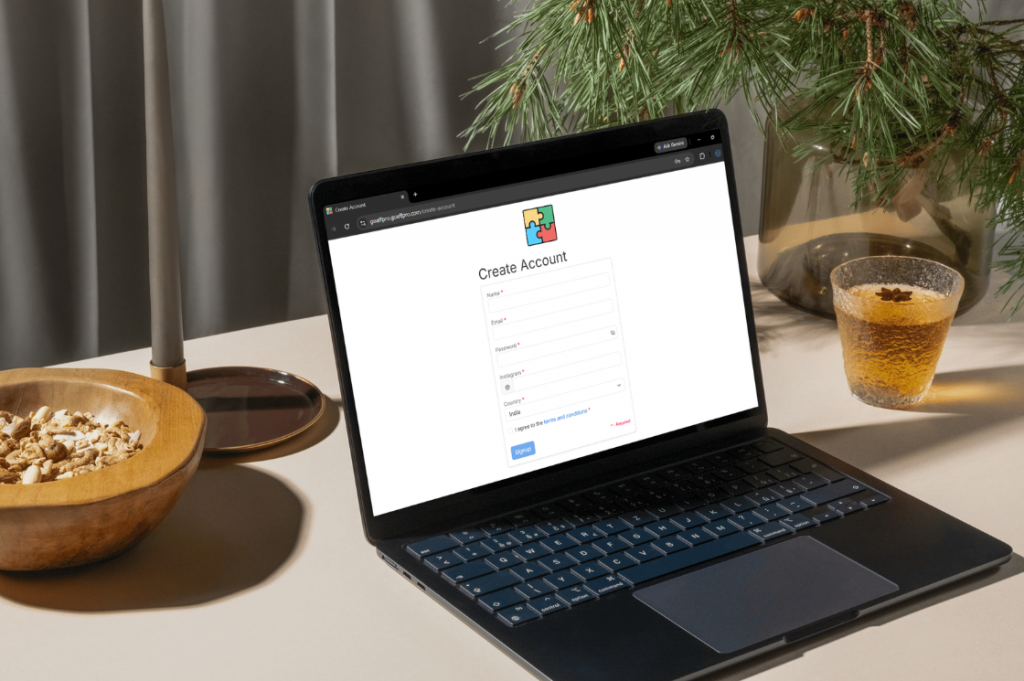
In this guide, we cover why securing your signup flow is essential for protecting your program, and how you can use GoAffPro’s settings to filter out spam and restrict affiliates from your network.
Why You Need to Protect Your Affiliate Program
An affiliate program with an open, unmoderated signup form can be an easy target for abuse. Instead of focusing on simply increasing the number of affiliates in your program, you should prioritize attracting quality affiliates. Failing to secure the registration form can lead to significant problems in the program:
- Coupon Leakers: They are affiliates who create vanity coupon codes and post them on discount sites, stealing your organic customers at checkout and making you pay commissions on sales you would have made anyway.
- Analytics Pollution: If you have 1000 affiliates but 900 of them are bots, your program metrics (such as clicks/visits, conversion rate, and cost per click) become entirely ineffective. You lose the ability to see how your real partners are actually performing.
- Brand Dilution: Affiliates are an extension of your brand’s marketing. If a spammy website with inappropriate content generates a tracking link to your store, your brand reputation is directly tied to that content.
- Wasted Admin Time: Another aspect to consider is the wasted administrative time. Every registration must be reviewed, even when it’s clearly not a fit. Such spam signups increase that workload, taking away important time from other tasks.
While the issues mentioned above are valid, it doesn’t mean that your signup process should become difficult for legitimate affiliates. It should simply be selective. GoAffPro offers a suite of advanced tools that puts you in total control of who gets access to your brand.
How GoAffPro Helps You Prevent Unwanted Registrations
1. Disable Automatic Approvals
By default, programs are set to automatically approve affiliates, which is convenient. However, if you are facing a surge in spam or unwanted registrations, you can switch to a manual review process.
To do this in GoAffPro:
- In your GoAffPro Admin Panel, go to Settings > General > Affiliate Registrations.
- Uncheck the “Auto Approve Affiliates” option.
Once it’s off, every new signup lands in Affiliates > Pending Approval, where you can manually approve or reject each application before the affiliate gets access to links, coupons, or your resource library.
This single change is often enough to filter out most bots and low-effort signups, since they rarely follow up once they realize a real person is reviewing applications.
2. Additional Signup Fields
A short signup form is easy to fill out. This includes bots or people with no real intent to promote you. They want to fill out a standard “Name” and “Email” form and move on. However, adding extra fields to the form requires more effort to complete, allowing you to gather information to better evaluate the applicants.
To do this in GoAffPro:
- Go to the Look and Feel > Signup Page section
- Click on Select & Customize.
- Select and customize the fields that appear on the signup form.
- Finally, click on Save.
Recommendations:
- Primary Promotion Channel or URL: Require a direct link to their blog, YouTube channel, TikTok, or Instagram profile. Bots frequently input invalid formatting or leave this blank.
- Ask: “Specifically, how do you plan to promote our products?” Legitimate ambassadors write detailed, logical answers. Spammers leave it empty, type random characters, or write generic filler like “social media.”
- “What is your PayPal email address?” or relevant payment details meant for payment (Spammers often avoid leaving financial footprints early in the process.)
By forcing applicants to answer specific, mandatory questions, you help filter out bots and lazy applicants who aren’t serious about promoting your brand. Additionally, it improves the quality of your approvals overall, since you’re accepting affiliates based on more than just an email address.
3. Disable Social Logins
One-click social logins (allowing users to sign up with a single click using their Google or Facebook) are great for quick signups, but they let signups skip past any additional or required fields you’ve set up on the signup page, defeating the purpose of the form.
If you are experiencing a high volume of such signups, which are appearing with no information added to their profiles (that would normally show up if they filled out the signup fields), you can look into disabling the social media logins.
To do this in GoAffPro:
- Go to the Look and Feel > Signup Page section
- Click on Select & Customize.
- Uncheck the Facebook and Google social logins.
- Click on Save.
With social logins off, every affiliate has to complete your full signup form, giving you consistent, comparable data on every applicant rather than a mix of full profiles with empty details.
4. Set Up Geo Restrictions
Many e-commerce brands only ship their physical products to specific countries (e.g., the United States, Canada, and the UK). Therefore, affiliate signups from certain regions may be irrelevant at best or a fraud risk at worst. There is no reason for you to accept affiliate signups from countries where you do not do business.
GoAffPro lets you restrict registrations by country from the outset. It provides a powerful Geo Restriction feature that acts as a digital gatekeeper for your program.
To do this in GoAffPro:
- Go to the Settings > General > Affiliate Registrations section.
- Click on Setup Geo-Blocking.
- You whitelist the countries you want to allow signups from, or blacklist specific countries you want to exclude.
- Click on Submit.
Recommendation:
- Whitelist Approach: Select the countries you actively ship to (e.g., United States, Canada, United Kingdom). Visitors with IP addresses outside these are automatically blocked from signing up.
- Blacklist Approach: If you sell globally but are getting spam signups from specific countries, blacklist those specific regional IPs to stop the influx instantly.
This is useful for merchants who’ve noticed a pattern of spam signups coming from certain regions, or who only want to recruit affiliates in markets they actually serve.
5. Block or Delete Existing Spam Accounts
Even with strong screening in place, some unwanted accounts will still get through. To deal with such signups, you can simply remove them from your program.
GoAffPro makes it simple to remove them. You have two choices here: you can either block their account (which restricts access to the dashboard completely) or delete their account completely along with all of their data.
To do this in GoAffPro:
- Go to the Affiliates > All Affiliates section.
- Click on the affiliate’s name to open their profile page.
- Click on Block. This will block their account.
- To delete the affiliate account, click on Permanently Delete.
Recommendations
- Blocking an affiliate completely disables their account. Their dashboard access is restricted, and tracking via their link or coupon stops functioning. However, their historical data remains in your system for your records.
- Deleting an affiliate permanently removes their account and all their associated data from your program database. This is the best option for purging obvious bots and fake emails to keep your active roster metrics clean and accurate.
Conclusion
With the options we recommended above, individually, they may provide a fair amount of success in preventing spam or unwanted registrations, but when used altogether, they can effectively prevent such signups completely.
Manual approval, geo-blocking to stop unwanted signups before they happen, additional fields and disabled social logins for self-filtering, and account blocking give you an easy way to handle anything that still slips through.
All of these controls are available directly inside your GoAffPro dashboard, with no coding or third-party integration required, so you can tighten up your program’s signup process in a few minutes.
FAQ
The most effective way to stop spam bots is to add more steps to your registration page. Use GoAffPro to add mandatory signup fields (like requiring a social media URL or a written promotional strategy), disable 1-click social logins, and turn off automatic approvals.
Yes. By turning off the “Auto Approve Affiliates” setting in your GoAffPro general settings, every new applicant will be routed to a “Pending” queue. This allows you to manually review their credentials, website, and social media presence before you grant them access to a tracking link.
It may reduce the total volume slightly, but it typically improves the quality of who applies. Fewer low-effort and bot signups make it through, so the applicants who do complete the form tend to be more serious about promoting your brand.
If you are struggling with a high volume of fake or automated signups, disabling social logins (Google/Facebook) is highly recommended. It forces applicants to manually input their information like email and password, which defeats most basic bot scripts.
Yes. GoAffPro features a Geo Restriction tool that allows you to either whitelist specific countries (only allowing those regions to sign up) or blacklist specific countries (blocking high-fraud regions from accessing your registration page entirely).
Once an account is blocked, the affiliate loses access to their dashboard, and their tracking links and coupons stop generating new commissions. You can then choose to delete the account entirely if you don’t need to retain their historical data.
Leave a Reply