
Every satisfied buyer who completes a purchase has the potential to become an affiliate. These individuals already trust your brand, own your product, and can authentically recommend it to their friends and family. However, many brands fail to invite these buyers to join their affiliate programs, thereby missing out on valuable referral revenue.
By 2026, the most successful brands will not only acquire customers but also transform them into a sales force. By implementing highly targeted post-checkout popups, top-tier merchants are converting up to 15% of their daily buyers into active, revenue-generating affiliates.
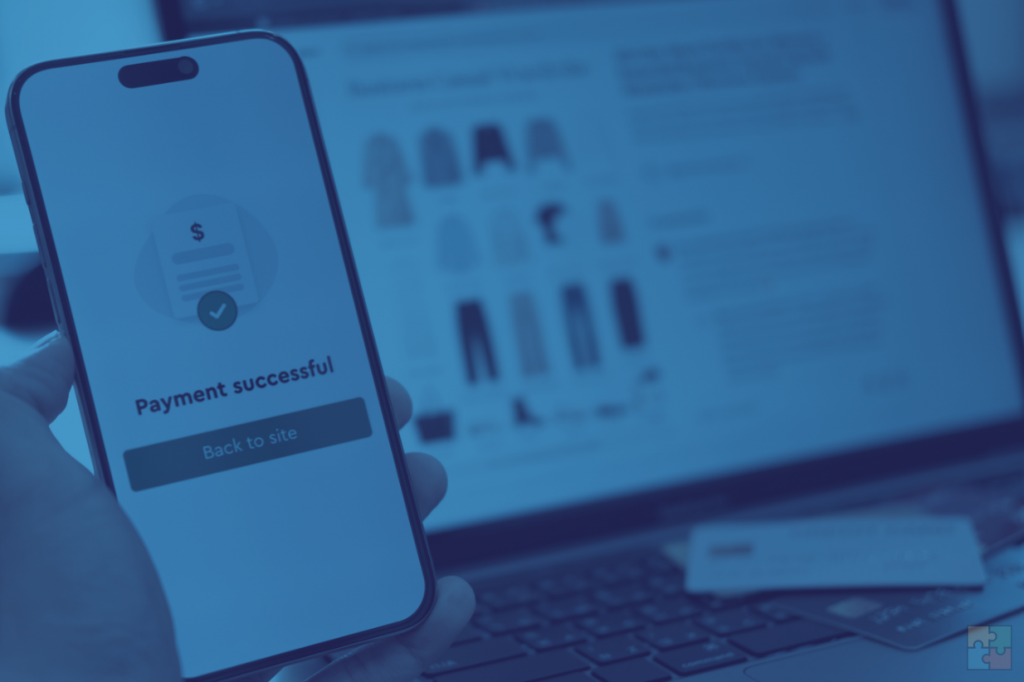
How does the Post Checkout Popup work?
The profile of a customer who makes a purchase in your store, look like:
- They possess high product intent: They believe in your brand enough to spend their own money on it.
- They have authentic social proof: When they recommend your product, they are verified owners, not just paid affiliates.
Why the Thank‑You page is perfect for this:
- Peak satisfaction: Customer just completed a frictionless purchase.
- High intent: They’re proven buyers, not window shoppers.
- Zero distraction: No competing content on the order confirmation page.
Most brands add their “Join our Affiliate Program” link in the website footer. This strategy yields a low conversion rate (often less than 0.1%). It requires the user to actively hunt for the program.
The solution is active recruitment: intercepting the buyer at the peak of their enthusiasm with a post-checkout popup powered by GoAffPro, which turns your thank-you page into a recruitment launchpad.
GoAffPro’s Post Checkout Popup feature allows you to display a popup to customers on the order status or confirmation page after they complete their checkout. This popup informs customers about your affiliate program.
The Customer Experience
With the Simple/Basic style popup:
- Customer completes purchase > Lands on thank you page.
- Popup triggers automatically (displays program information)
- Directs the customer to the signup page where they can register.
These popup styles effectively present the program information in the popup, linking to the affiliate portal signup page for customer registration.
With the Advanced style popup:
- The popup automatically registers the customer as an affiliate.
- It displays the affiliate’s referral link and coupon code to them.
- Allows the customer to immediately share their link or code.
With the Advanced style checkout, you can display it for certain products, above specific order totals, or offer a signup bonus.
GoAffPro Post Checkout Popup setup:
Go to the Post Checkout Popup tab > Select & Customize > Save and Toggle ON.
In Shopify, you need to integrate the popup in your store:
- Online Store > Themes > Customize.
- Home > Checkout and new customer accounts > Checkout > Thank you.
- Add app block > Post Checkout Popup block.
- Test: Place test order > Verify popup/name/code generation.
Advanced Targeting: Cart Value, Product Type Triggers
GoAffPro’s advanced popup supports smart targeting to show the popup only to high‑value buyers/products.
Order Amount Trigger:
- Show popup for carts >$100 (likely repeat/high‑intent buyers).
- Setup: Post Checkout Popup > Advanced Style > Other Configuration > Set the “Show only if order total is greater than” option (minimum order value).
Product Type Targeting
- Popup shows up for bestsellers or high‑margin products (e.g., premium items).
- Setup: Post Checkout Popup > Advanced Style > Other Configuration > Set the “Show only on products” option.
Cold outreach for affiliate programs is no longer sufficient. Your top affiliates are already browsing your site. With GoAffPro‘s targeted post-checkout popups, you can turn your Thank You page from a dead end into a powerful tool for continuous customer acquisition.
FAQ
Yes. GoAffPro offers you to set up Post Checkout Popup for customers in your store and natively works on platforms like Shopify, BigCommerce, WooCommerce, and Wix.
Use GoAffPro’s advanced style popup, which offers the option to set up a minimum order amount and set the popup to be displayed only for select products.
Absolutely. GoAffPro’s Look and Feel editor allows for extensive CSS customization, ensuring the popup looks like a native part of your website, rather than a bolted-on third-party tool.
This common concern is known as “Self-Referral.” GoAffPro includes a built-in fraud feature to address this issue. In your Settings > General > Sales section > Enable the “Disable commission for personal purchases” option.
No, the popup triggers after checkout is complete and payment is secured, so it doesn’t affect your sales conversion rate. Additionally, GoAffPro’s scripts are optimized for asynchronous loading, ensuring no lag on your Thank You page.


Leave a Reply